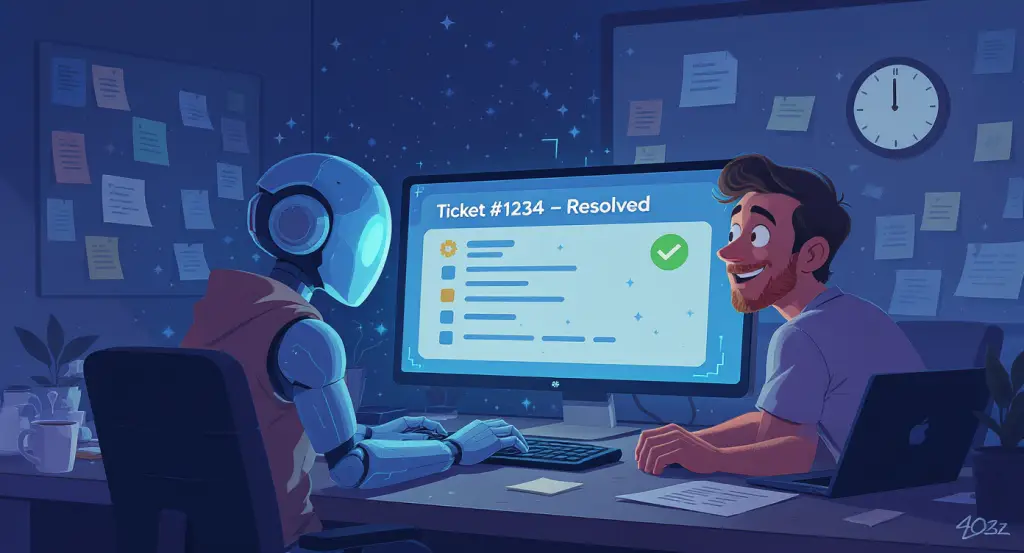

The Pain Point: The Alert Avalanche
For IT and Operations teams, the sheer volume of alerts from monitoring tools (like Datadog, PRTG, or cloud watches) is paralyzing. Critical issues get buried in a sea of low-priority notifications, leading to:
Alert Fatigue: Engineers become desensitized to alerts, missing real emergencies.
Slow Response Times: Manually triaging each alert delays resolution, impacting system uptime.
Human Error: Mis-routing a ticket or misjudging its severity can cause major outages.
Burnout: Your best engineers are stuck playing whack-a-mole with tickets instead of doing proactive, valuable work.
The Old, Manual Way: A Recipe for Burnout
The traditional process is a major bottleneck:
An alert triggers in a monitoring system.
An on-call engineer sees the email/Slack message and manually assesses it.
They log into a service desk like Jira Service Management or Freshservice.
They manually create a new ticket, copy-pasting error messages, and setting priority.
The ticket is (hopefully) assigned to the correct team.
This is slow, repetitive, and a poor use of a highly skilled professional’s time.
The AI & Automation Solution: Your Intelligent IT Co-pilot
Imagine a system where the entire triage process is handled instantly and accurately.
AI-Powered Ingestion: An AI Agent can be trained to understand alerts from various sources (email, Slack, Microsoft Teams, webhooks). It doesn’t just read them; it comprehends the context.
Automated Workflow: Using a workflow automation tool like n8n or Zapier, you connect your alert sources to your service desk.
Intelligent Ticket Creation: When a critical alert comes in, the AI Agent analyzes the content. It then triggers an n8n workflow that automatically:
Creates a ticket in Jira Service Management.
Sets the priority based on the alert’s content (e.g., “CRITICAL” for a server-down event).
Pre-fills a description with the full error log and context.
Assigns the ticket to the correct on-call roster or team based on pre-defined rules.
The Outcome:
Your engineers are notified only when a properly formatted, high-priority ticket is assigned to them. Alert fatigue drops, mean time to resolution (MTTR) plummets, and your IT team can focus on strategic projects, not administrative busywork.